Twitch Thumbnail Maker
Custom covers for VOD exports, YouTube reuploads, and offline banners — neon-lit, high-energy, directory-ready.
Style prompt — edit the subject, keep the style
Generate This StyleFree credits on signup — no card required
Examples made with this style
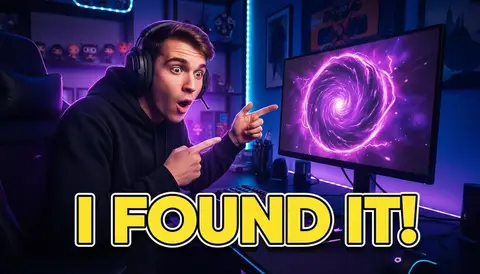
Click to generate with this exact prompt →
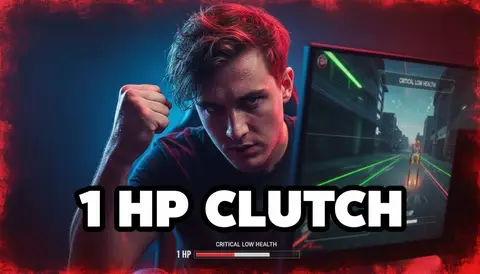
Click to generate with this exact prompt →
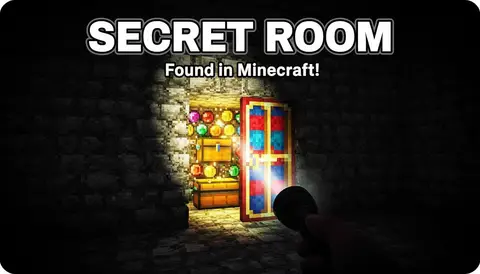
Click to generate with this exact prompt →
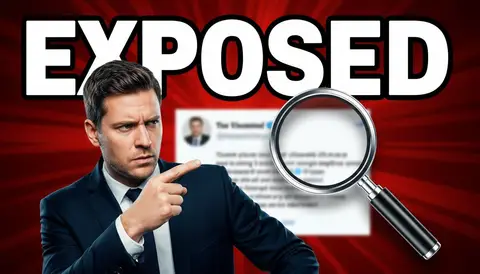
Click to generate with this exact prompt →
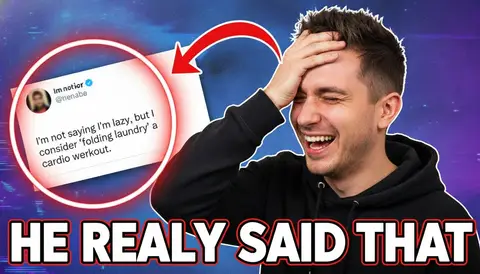
Click to generate with this exact prompt →
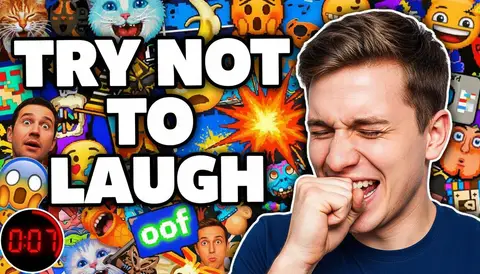
Click to generate with this exact prompt →
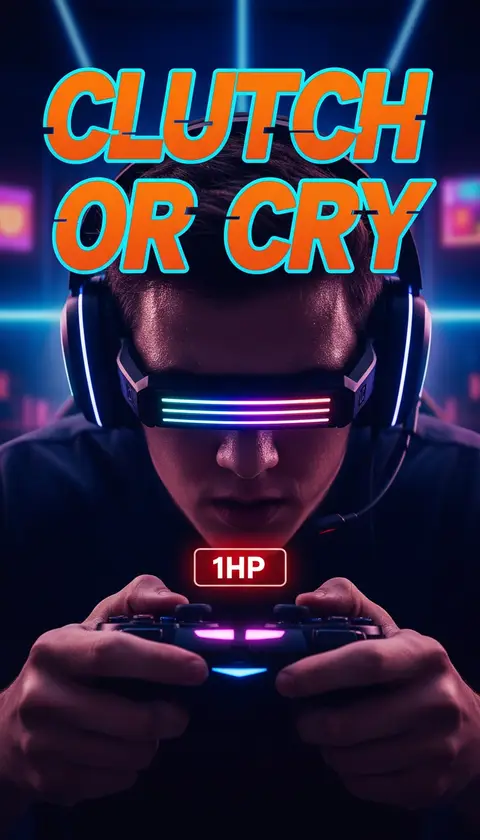
Click to generate with this exact prompt →
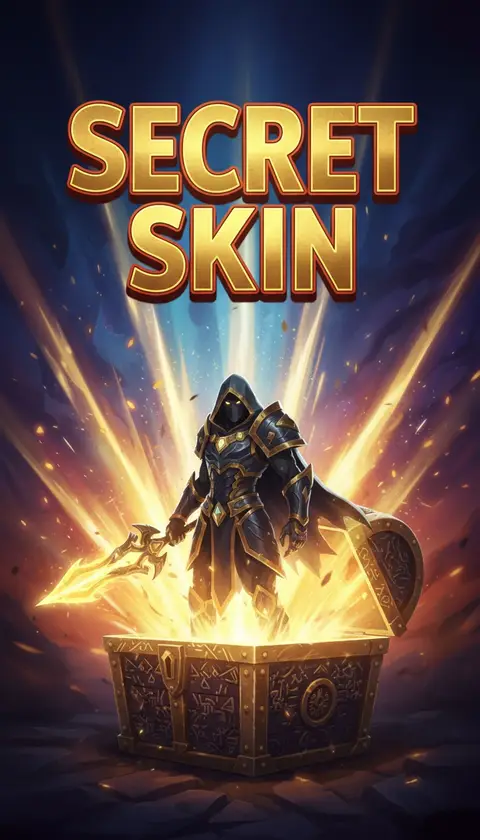
Click to generate with this exact prompt →
Streaming this week?
Batch your VOD covers and offline banner in one run — free credits to start.
Make a Twitch Cover in 3 Steps
Describe the stream
Game, mood, and your catchphrase — the neon streamer aesthetic stays locked.
Generate variations
Up to 6 options; pick one readable at directory-card size.
Use it everywhere
VOD exports to YouTube, offline banner, schedule panels, and social announcements.
Built for Streamer Branding
Neon-lit gaming aesthetic tuned for Twitch’s dark UI
Works as YouTube VOD thumbnail, offline banner, and panel art
Face reference keeps your streamer identity across covers
Bold, readable text at directory-card size
16:9 native with 9:16 export for TikTok clips
Batch variations for consistent series branding
Frequently Asked Questions
Does Twitch have custom VOD thumbnails?
Twitch auto-generates VOD covers, but streamers use custom thumbnails when exporting VODs and clips to YouTube — where the thumbnail decides the click. This maker covers that plus offline banners and panels.
What sizes do I need?
16:9 (1280×720+) covers YouTube VOD exports and most panels; the offline banner is 1920×1080. Both come out of this maker natively.
Can I keep my face consistent?
Yes — upload a selfie once and the face reference feature keeps your identity across every cover.
Can it match my existing brand colors?
Yes — describe your palette in the prompt (e.g. "purple and teal neon") or upload an old cover as a style reference.
Is this affiliated with Twitch?
No — Thumbcanvas is an independent tool producing images in standard streaming dimensions.
How many free covers do I get?
10 welcome credits on signup, plus 10 bonus credits after your first generation — about 10 covers free.
What about clip covers for TikTok?
Switch to 9:16 with the same prompt and export vertical covers for clip channels.