Instagram Reels Cover Maker
Covers that work twice: stop the scroll in Reels and keep your profile grid looking curated.
Style prompt — edit the subject, keep the style
Generate This StyleFree credits on signup — no card required
Examples made with this style
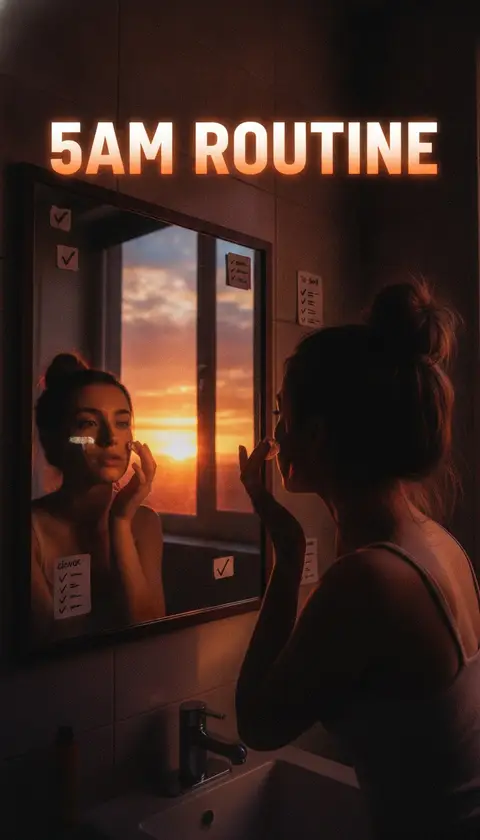
Click to generate with this exact prompt →
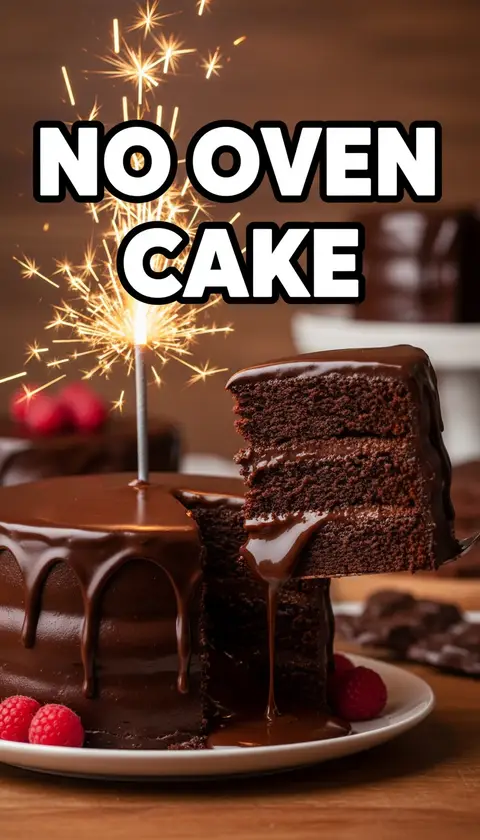
Click to generate with this exact prompt →
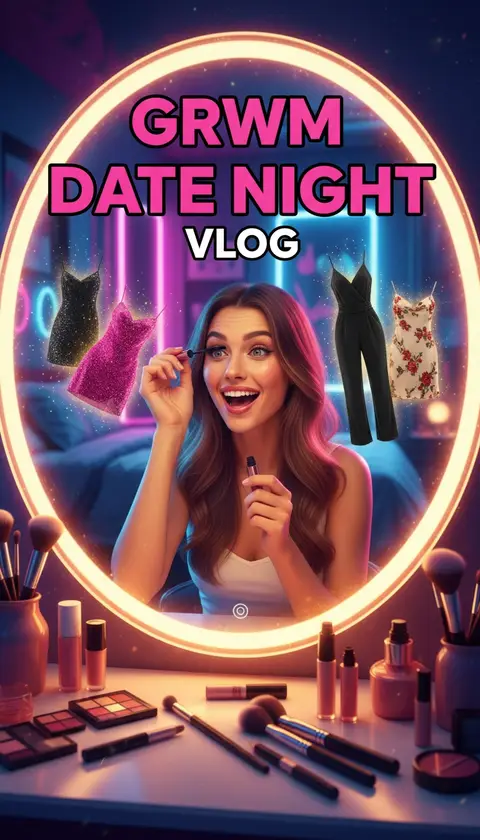
Click to generate with this exact prompt →
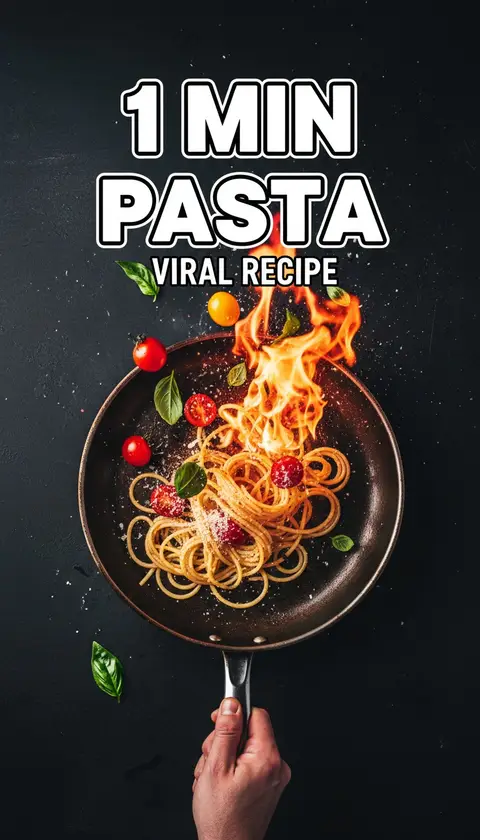
Click to generate with this exact prompt →
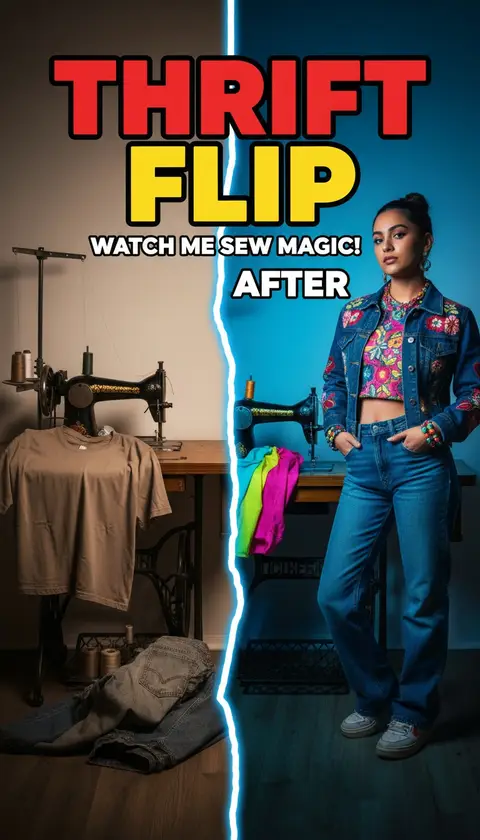
Click to generate with this exact prompt →
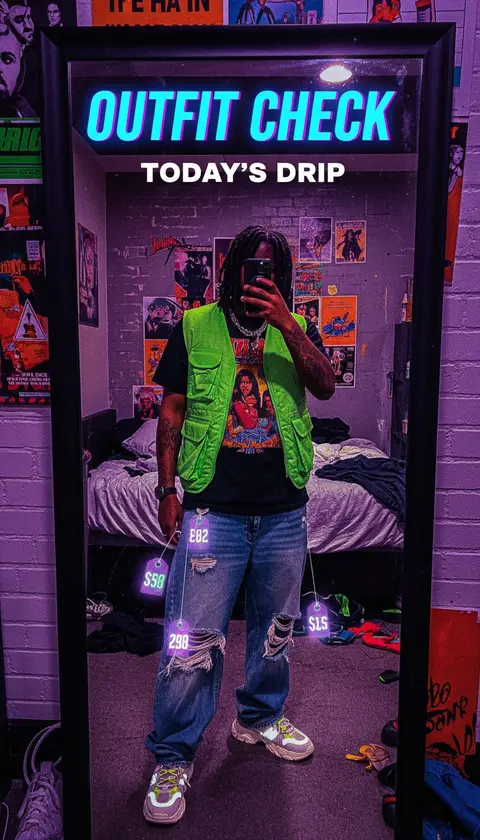
Click to generate with this exact prompt →
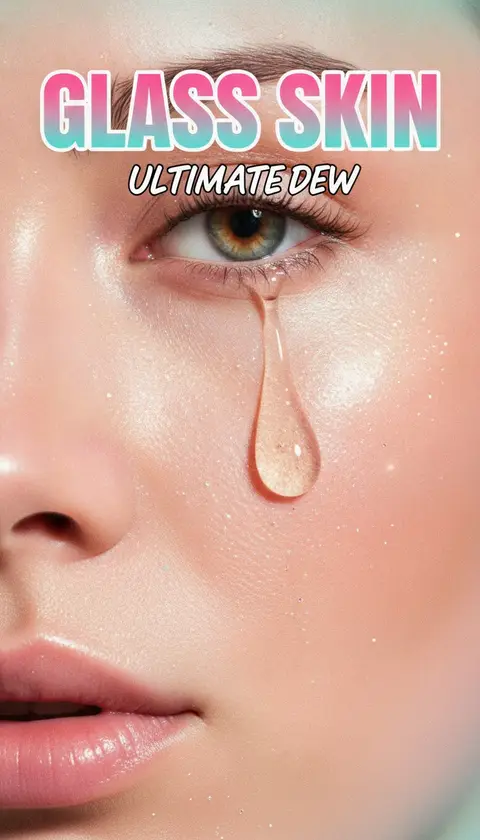
Click to generate with this exact prompt →
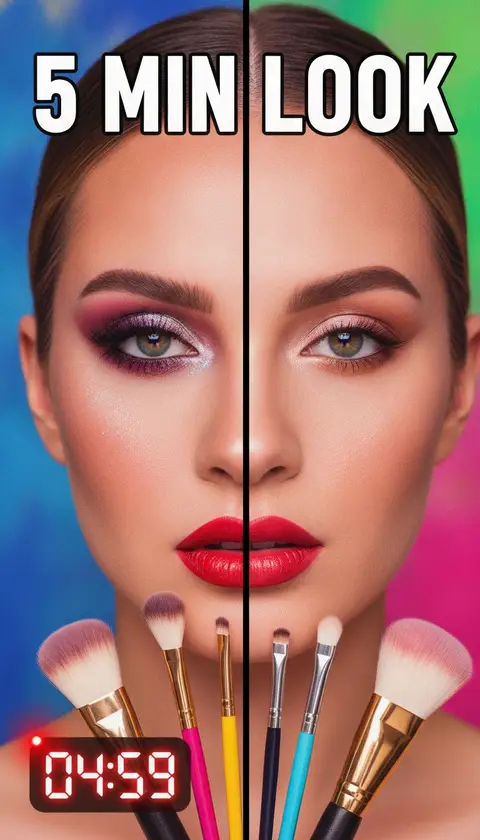
Click to generate with this exact prompt →
Building a personal brand?
Generate a matching cover set for your whole grid — free credits to start.
Make a Reels Cover in 3 Steps
Describe the vibe
Edit the subject in the preset — aesthetic, palette, and 9:16 framing stay consistent with your grid.
Generate options
Up to 6 variations per run; pick the one that matches your feed’s color story.
Set as cover
Download in 9:16 and set it as the cover before sharing — remember the center-square crop for the grid.
Grid-Proof Cover Design
Center-safe composition: key elements survive the 1:1 grid crop
Consistent palettes keep your profile looking curated
Bold but elegant text treatments — less clickbait, more brand
Native 1080×1920 output, Instagram-spec
Face reference support for personal brands
Matching 16:9 export for YouTube crossposts
Frequently Asked Questions
What size is an Instagram Reels cover?
1080×1920 (9:16) — but the profile grid shows a center 1:1 crop, so keep faces and text in the middle square. This maker’s presets are composed center-safe.
Can I change a Reel’s cover after posting?
Yes: open the Reel → three dots → Edit → Edit cover. You can upload a designed cover from your camera roll.
Why do Reels covers matter?
They decide whether profile visitors tap your content. A curated grid of covers converts visitors into followers — it’s your storefront.
Should text go on a Reels cover?
Yes, but centered and short — the grid crop cuts the top and bottom thirds. Two to four words in the middle band works best.
Is this affiliated with Instagram?
No — Thumbcanvas is an independent tool that generates cover images in Instagram’s recommended dimensions.
How many free covers do I get?
10 welcome credits on signup, plus 10 bonus credits after your first generation — about 10 covers free, no card required.
Can I keep my face consistent across covers?
Yes — upload your face once per session and every generated cover keeps your identity with our face reference feature.