Gaming Thumbnail Maker
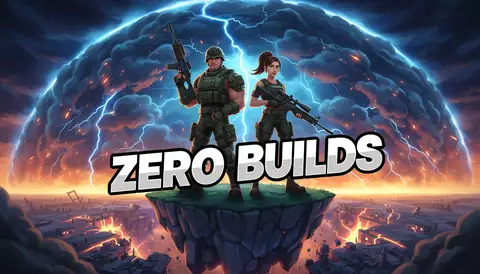
Neon-lit, high-intensity gaming covers generated by AI — describe the moment and get click-ready art without opening Photoshop.
Style prompt — edit the subject, keep the style
Generate This StyleFree credits on signup — no card required
Examples made with this style
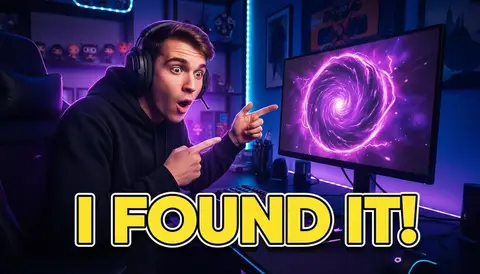
Click to generate with this exact prompt →
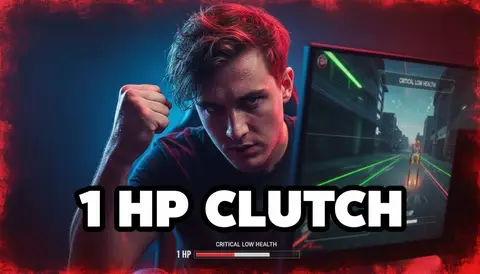
Click to generate with this exact prompt →
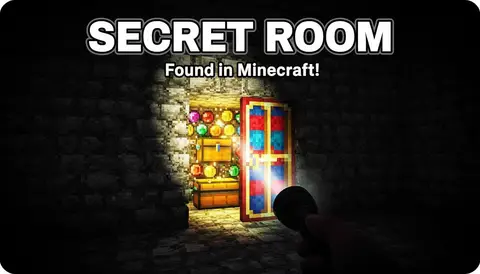
Click to generate with this exact prompt →
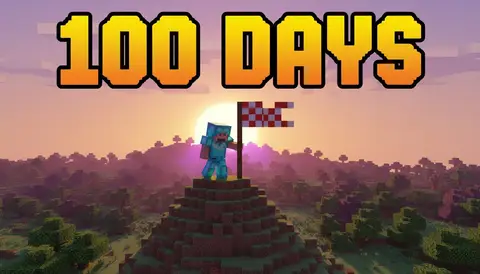
Click to generate with this exact prompt →
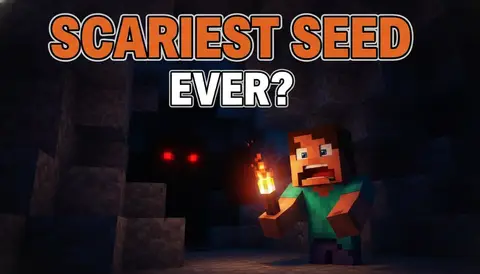
Click to generate with this exact prompt →
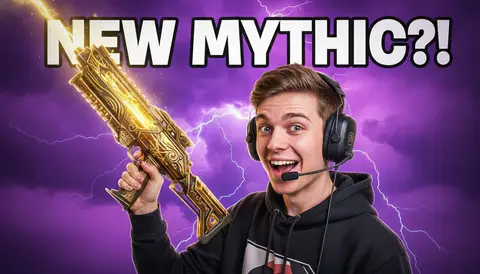
Click to generate with this exact prompt →
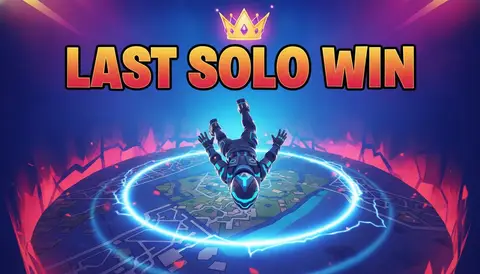
Click to generate with this exact prompt →
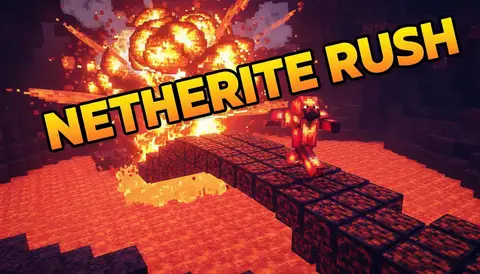
Click to generate with this exact prompt →
Click to generate with this exact prompt →
Your next clip deserves a better cover
Generate neon-lit gaming thumbnails with free credits — upload your face to star in them.
Make a Gaming Thumbnail in 3 Steps
Describe the moment
The clutch, the rage quit, the world record — swap your subject into the preset prompt and the neon style stays locked.
Generate variations
Create up to 6 versions per run and keep the one with the most intensity at small size.
Download and upload
1280×720 for videos, 9:16 for Shorts — ready for YouTube with no extra editing pass.
What Makes a Gaming Thumbnail Click
Neon rim lighting that separates you from a dark, busy background
One exaggerated expression — hype, rage, or disbelief — as the emotional hook
Bold italic text under four words that stays readable at 168 pixels wide
Glow, particles, and screen glare that add motion without clutter
A single focal point — your face, your character, or the boss, never all three
A consistent recipe across uploads so subscribers spot your videos instantly
Frequently Asked Questions
What is a gaming thumbnail maker?
An AI generator tuned for gaming covers: you describe the moment, it produces 16:9 art with the neon-lit, high-contrast look that dominates gaming YouTube — no design skills required.
Which games does it work for?
Any game. Fortnite, Minecraft, Valorant, GTA, Roblox, horror indies — describe the scene and the style adapts while staying bold and readable.
Can I put my own face in the thumbnail?
Yes — upload a photo and the face reference feature keeps your identity in the generated art, exaggerated expression included.
What text works best on gaming thumbnails?
Three to four words max — "1 HP CLUTCH", "I BROKE IT", "WORLD RECORD". Heavy italic type with an outline survives mobile rendering; full sentences never do.
Do better gaming thumbnails really lift CTR?
Thumbnail and title decide most of the click before anyone sees your content. Generating 3–4 variants and testing them is the cheapest CTR experiment a gaming channel can run.
How many free thumbnails can I make?
10 welcome credits on signup, plus 10 bonus credits after your first generation — about 10 thumbnails free, no card required.
What sizes do I get?
Full 1280×720 for standard videos and 9:16 vertical for Shorts — both YouTube spec, ready to upload.