TikTok Thumbnail Maker
Vertical 9:16 covers built for the For You page: bold text in the upper third, saturated colors, faces that stop the scroll.
Style prompt — edit the subject, keep the style
Generate This StyleFree credits on signup — no card required
Examples made with this style
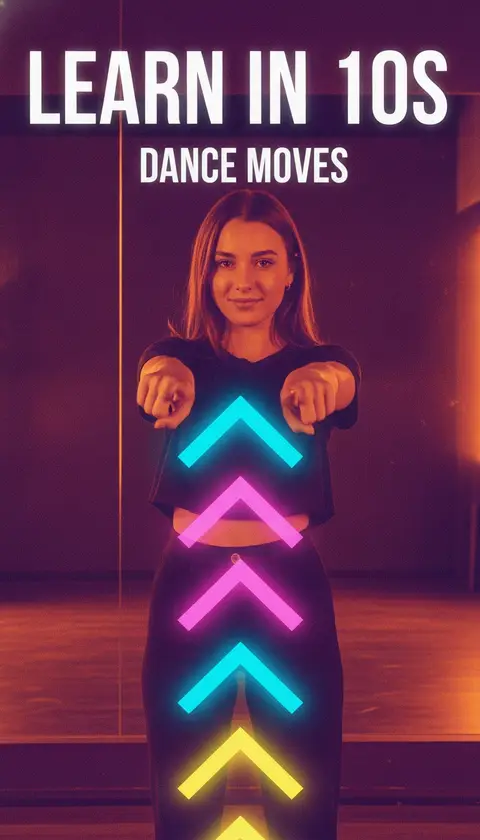
Click to generate with this exact prompt →
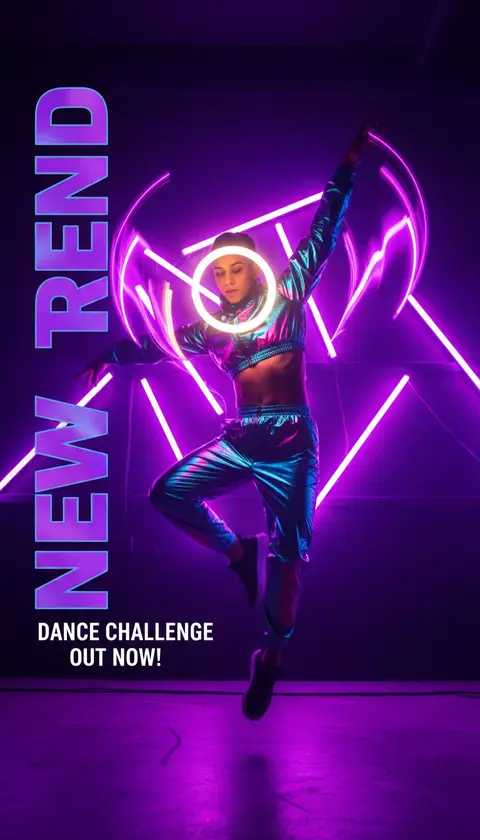
Click to generate with this exact prompt →
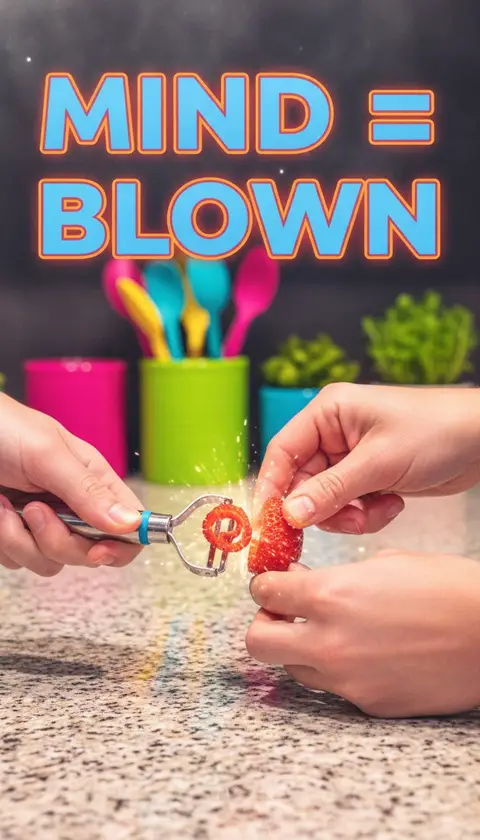
Click to generate with this exact prompt →
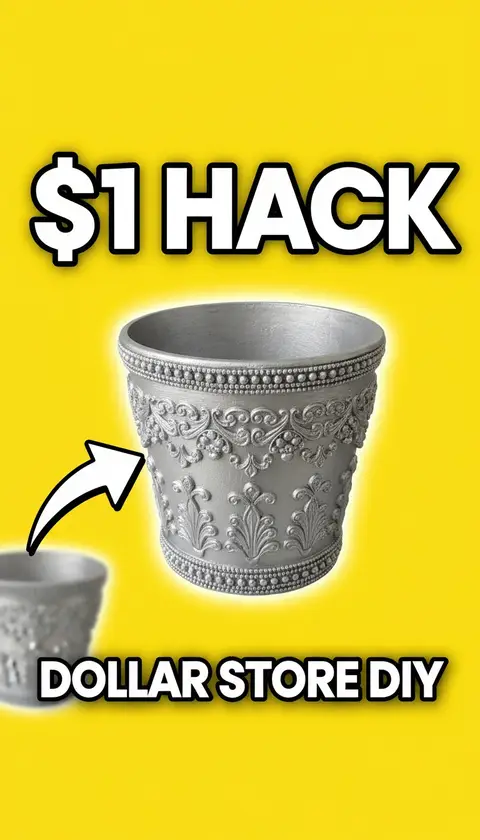
Click to generate with this exact prompt →
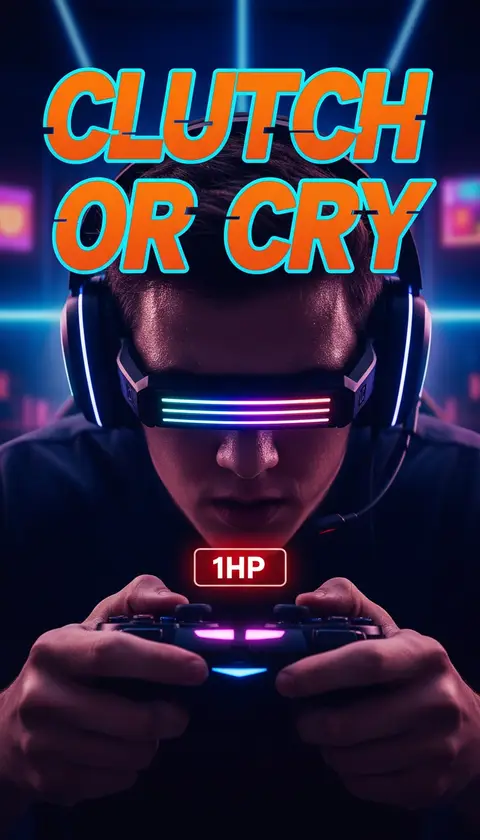
Click to generate with this exact prompt →
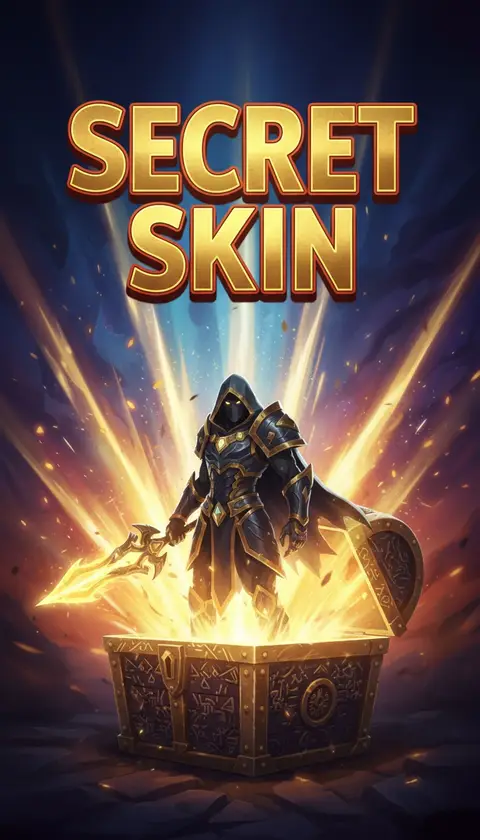
Click to generate with this exact prompt →
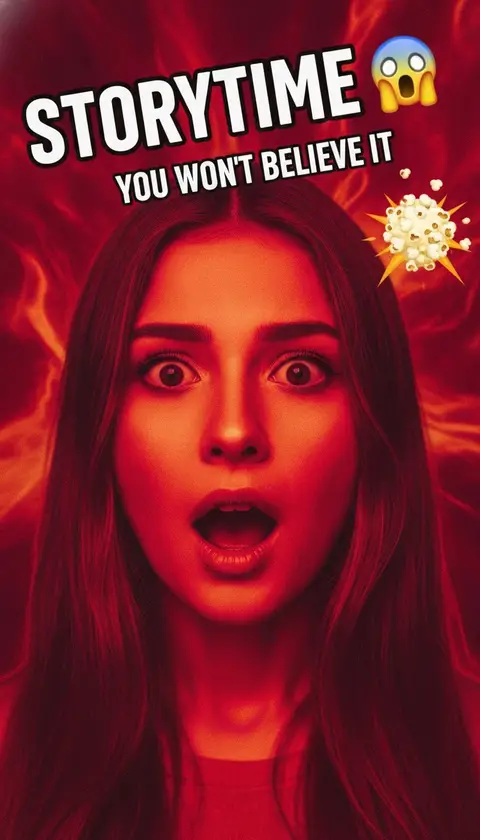
Click to generate with this exact prompt →
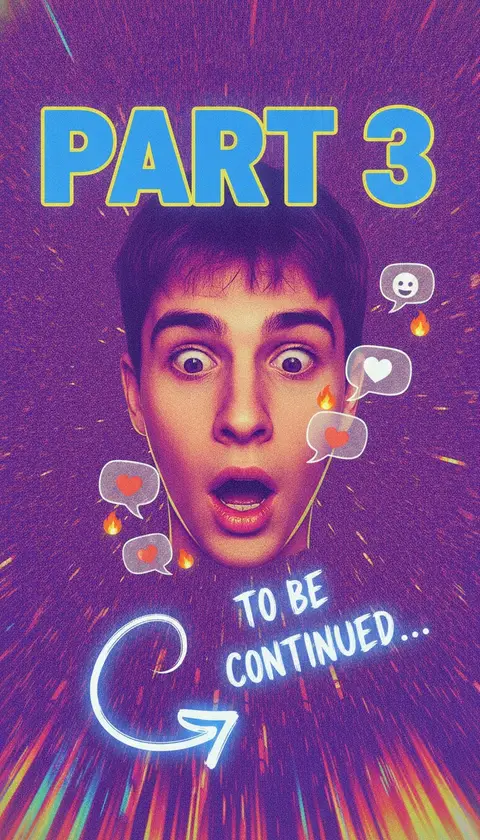
Click to generate with this exact prompt →
Post daily?
Batch-generate a week of covers in one sitting — free credits to start.
Make a TikTok Cover in 3 Steps
Describe the video
Swap the subject in the preset prompt — the vertical 9:16 framing and TikTok energy stay locked.
Generate variations
Create up to 6 covers at once and pick the one that pops at feed size.
Download and post
Export in 9:16, set it as your cover on upload, and keep your profile grid consistent.
What Makes a TikTok Cover Work
Text sits in the upper third — safe from the caption and UI overlays
One face, one emotion: the thumb-stopper at 100px wide
Saturated, high-contrast palettes that survive compression
Profile-grid consistency: same style across covers doubles as branding
Readable at a glance — 3-4 words max, heavy outlined type
9:16 native output, no cropping surprises on upload
Frequently Asked Questions
Does TikTok let me choose a custom cover?
Yes — on the upload screen tap "Edit cover" and you can select a frame or upload art depending on region and version. A designed 9:16 cover makes your profile grid look professional and lifts profile-view plays.
What size should a TikTok cover be?
1080×1920 (9:16). This maker generates natively in 9:16 so nothing important gets cropped.
Where should text go on a TikTok cover?
Upper third. The bottom gets covered by captions and UI in the profile grid, and center text collides with play icons.
Do covers even matter on TikTok?
On the For You page less, but on profile visits, search results, and playlists the cover is what earns the tap — creators with consistent covers convert profile visits into binge sessions.
Can I use my own face?
Yes — upload a selfie in the generator and keep your identity with our face reference feature, including exaggerated expressions.
How many free covers can I make?
10 welcome credits on signup, plus 10 bonus credits after your first generation — about 10 covers free, no card required.
Can I make matching YouTube thumbnails too?
Yes — the same prompt generates in 16:9 for YouTube with one click, keeping your cross-platform branding consistent.